Log inGet started

REPORTS & EXPORTS

Clear findings.
Ready to share.

Bring something useful to your next SEO review. Share saved rankings, see which pages are moving, and agree what to tackle next.

CSV exports available now. Demo downloads contain illustrative data.

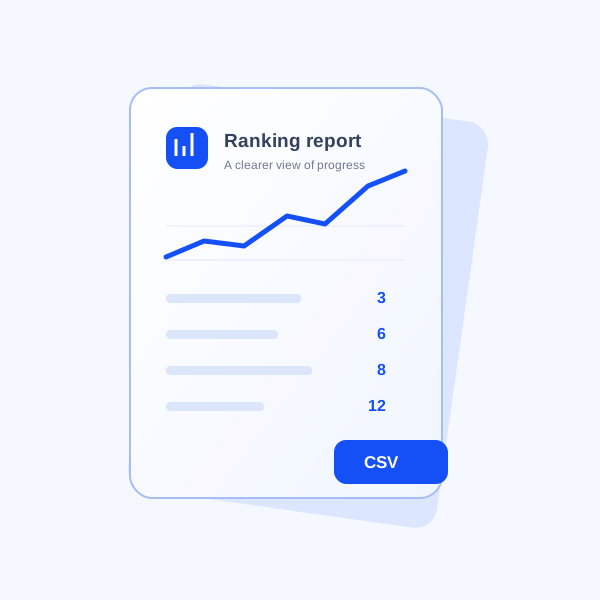
A ranking report with a trend chart and CSV label.

WHAT YOU CAN EXPORT

The data you need.
Without the extra noise.

01 / KEYWORD REPORT

Your rankings, row by row.

Download the saved keyword results for your selected website, including positions, changes, ranking pages, groups and check dates.

  • Review which searches improved or declined
  • Connect keywords to the pages that rank
  • Open the CSV in Excel or Google Sheets
02 / WEBSITE REPORT

Your workspace at a glance.

Export the websites in your workspace to keep a clear record of the domains you manage.

  • Keep your website list in one file
  • Share it with your team for planning
  • Use it alongside your keyword exports

FROM WORKSPACE TO REVIEW

From your workspace
to your next team review.

Exports reflect saved data. Run a ranking check first when you need a fresh snapshot.

  1. Choose your website

    Open your store in the workspace and review the saved rankings.

  2. Open Reports

    Choose the keyword or website report and download its CSV.

  3. Share your findings

    Use the file to agree which pages and searches deserve attention next.

A few details before you download.

Are reports live or saved data?

Reports use data already saved in your workspace. Downloading a report does not run a new ranking check.

Can I schedule reports or download a PDF?

Reports currently support manual CSV downloads. Scheduled emails, PDF reports and white-label reports are not available yet.

What happens if a keyword has not been checked?

It has no saved position yet. Run a ranking check before using the export to assess performance.

Bring the findings.
Leave with a plan.

Explore reports