
Google Search Console
Choose the properties you manage. Import clicks, impressions, queries and pages with read-only access.
Explore Search Console Log inGet started
Bring search performance, product feed insights and ranking history into one workspace. See what you can connect today and what is coming next.
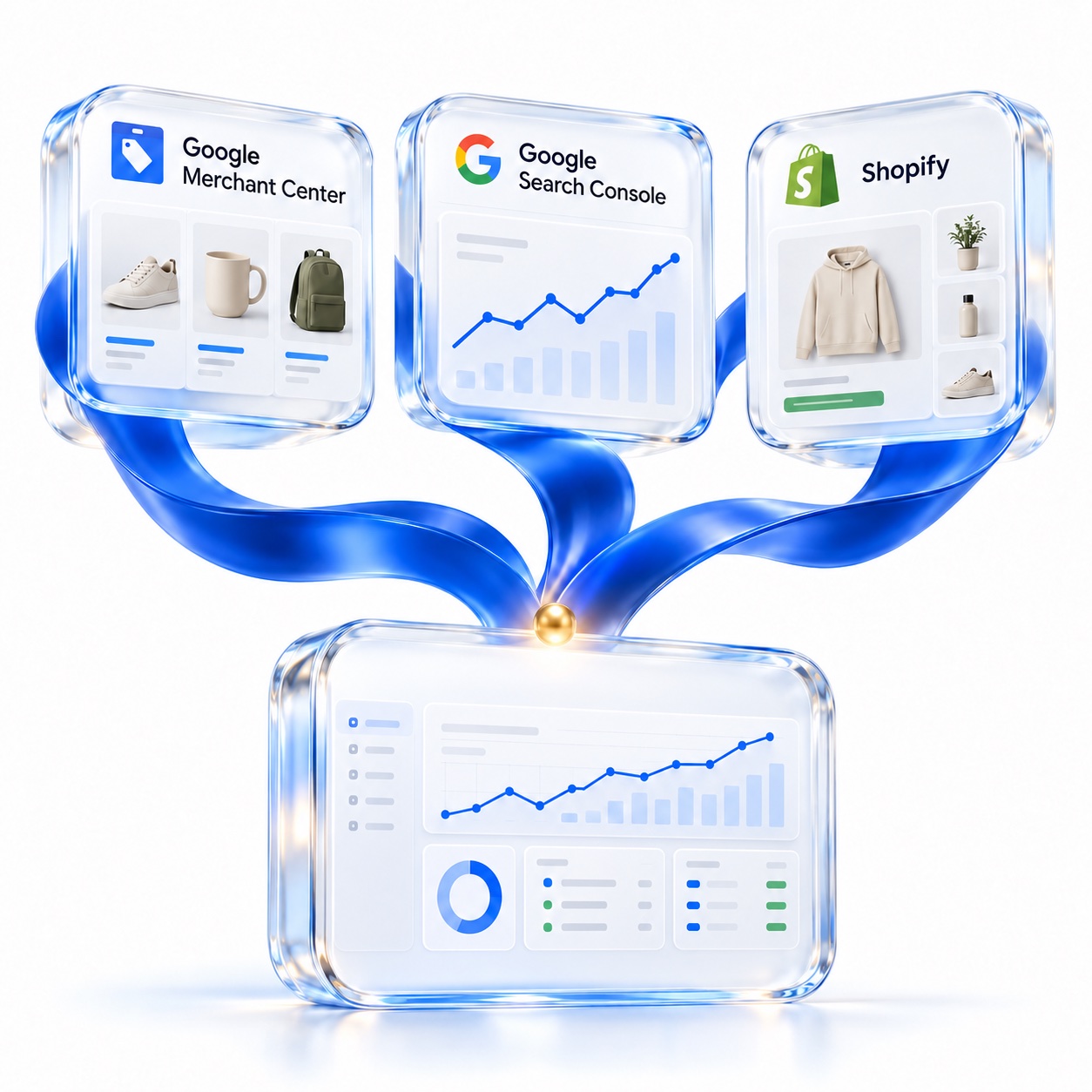
Google connections live together in Integrations. Each source has its own account selection and import status.
Choose the properties you manage. Import clicks, impressions, queries and pages with read-only access.
Explore Search ConsoleReview products, prices, availability and feed issues. Google approval and Merchant Center permissions are required.
Explore Merchant CenterGA4 property selection and reporting are being prepared, with one Google Analytics connection.
Not available yetImport keywords from CSV or your Wincher API account. Review groups, search scope and available ranking history before saving.
Product and collection imports are coming soon.
Open Integrations and review the available account connection or import options. Only connect accounts you manage.
Choose the property or account for your website, then import the supported data. Check the status and timestamp before acting.
Review the imported data alongside your rankings. Make changes in the source account, then import again for an updated snapshot.
Search Console is available, Merchant Center is in beta, and Wincher migration supports API and CSV imports. Google Analytics and Shopify are coming soon. Your workspace shows which connections are enabled.
Yes. Choose the properties you manage and match each property to the relevant website in your workspace.
No. Rankplain provides ranking data. Store connections and catalog imports are separate from ranking checks. A Wincher API key is only needed if you choose API migration.
These imports bring data into Rankplain for review. Make product and feed changes in your source account, then import again to review the updated snapshot.
Check the last import timestamp in your workspace. Import again when you want a newer snapshot; connecting an account does not mean every change appears immediately.
Yes. Choose Wincher in Integrations, then connect with your API key or upload a keyword CSV. Review the keywords before saving. API migration can also bring groups, competitors, search scope and up to one year of ranking history. See the migration guide.
Yes. Open the demo to explore the integrations view. Start a free trial when you are ready to connect your own accounts.