
Log inGet started

Ecommerce rank tracking.
See where you stand.

Follow the product searches that matter. See what’s climbing, catch what’s slipping, and give your next SEO update a clear starting point.

7 days free1 website · 25 keywordsNo credit card required
aesop.com ⌄Aesop demo · Sample dataJD

Your keyword rankings at a glance.

Follow your keyword positions and the product pages appearing in Google.

Average position8.4 +18.6%vs. previous period
Tracked keywords186 +24Search phrases in this sample workspace
Products in top 10128 +24Across this sample keyword set
Collection keywords32.8% +5.2%Searches mapped to collections
Average position aesop.com
30151
Sep 1Sep 8Sep 15Sep 22Sep 30
Product keywords 8
KeywordPositionChangeSearch volumeRanking page

Aesop brand example. Rankings, search volumes and page paths are illustrative demo data.

Follow your store’s Google rankings.

See how your products and collections appear in search. Bring the changes into focus, and find your next SEO priority.

Rank tracker

Know who’s ahead in your category.

Add competing domains and compare their positions for your tracked keywords using saved first-page Google results.

Explore competitors

See which products and collections rank.

Follow the products and collections behind your rankings. Spot the pages gaining traction and those ready for a little more attention.

Explore landing pages

Dashboard previews use illustrative ecommerce data.

LOOK BEYOND THE POSITION

Review positions, changes and ranking pages.

Conceptual keyword search results in a crystal glass panel.
SEARCH RESULTS

See who appears beside you.

Open saved first-page results to review the titles, pages and snippets competing for a click.

Explore search results
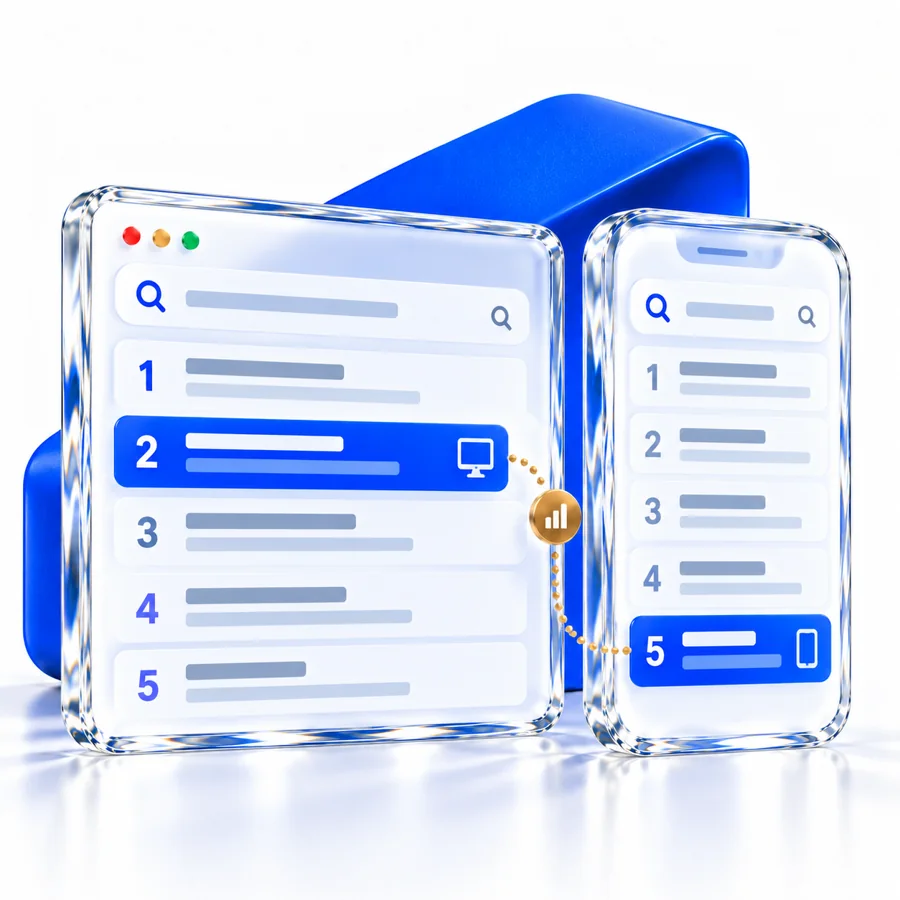
Desktop and mobile search rankings compared
MARKET & DEVICE

Track by country and device.

Set a country and desktop or mobile device when adding your store to track.

Add your website
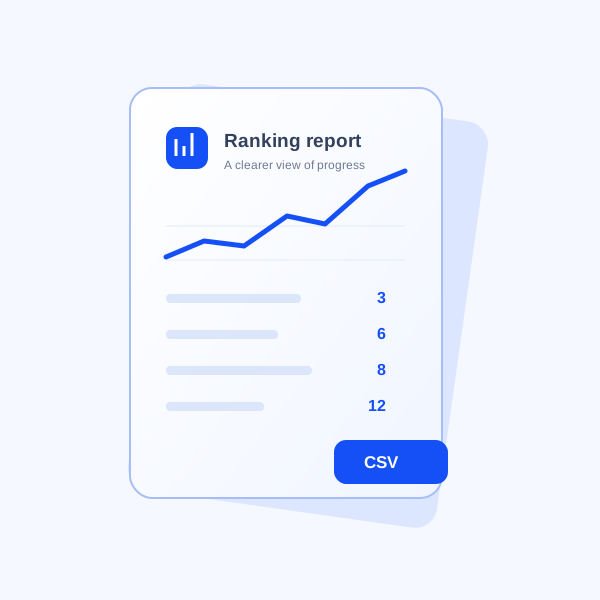
A single ranking report sheet with a trend chart and CSV export label.
REPORTS

Export your ranking data.

Export saved positions, ranking pages and check dates as CSV for your team.

Explore reports
FROM DATA TO A PLAN

Organize keywords by product and collection.

A ranking gain is useful. Knowing which products and collections it helps is better. Our ecommerce SEO guide explains how to connect searches to the right pages. Use Rankplain to review the pages behind each keyword and choose what to improve next.

Try the interactive overview
1

Filter by product or collection.

Filter products and collections to review one part of your store.

2

Compare ranking changes.

Compare positions and changes across your commercial keywords.

3

Export your filtered keywords.

Export your filtered keyword list to plan the next updates with your team.

How rank tracking works.

How tracking works.

How do I start tracking my store?

Open your workspace, add a domain, choose a country and device, and enter your keywords. Complete the setup in settings, then request your first ranking check.

Are these real Google rankings?

The workspace supports Google ranking checks. The public demo and dashboard illustrations use sample results and are labelled accordingly.

Does this focus on local rankings?

Rankplain focuses on product and collection searches. Select a country and desktop or mobile when you add a domain. Each website tracks one market and device.

GOOD RESEARCH. BETTER NEXT MOVES.

Start tracking your store’s rankings.

Bring your product rankings, competing stores and catalog into one focused SEO workflow.

Create your workspace