
Shopify SEO, in the order that matters.
Shopify handles much of the technical setup. What it cannot do is decide which page should rank for which search, or write pages that help someone buy. That part is yours, and this guide shows where to start.
 By Carl Gulfven, Swedish entrepreneur with 20 years in ecommerce SEO
Reviewed 4 November 2026
What Shopify already does for you.
You can skip work that many generic SEO guides list as urgent. Every Shopify store gets:
- A sitemap at
/sitemap.xml, updated automatically when you add products, collections, pages and posts. - A default robots.txt that Shopify says works for most stores.
- Structured data in current Shopify-supported themes and Theme Store themes, including product price and availability.
- Generated H1 headings, taken from the title of each product, collection, page or post.
What is left to you.
These are the decisions that usually separate a store that ranks from one that does not:
- Keyword mapping: which single page should answer each search.
- Collection content: many collections are only a grid of products, with little to show what the page covers.
- Original product copy: manufacturer text may appear on many other websites.
- Internal links: whether your best pages are easy to reach.
- Links from other sites: a reason for suppliers, press and communities to mention you.
- Measurement: knowing whether a change moved anything.
Where to start.
- Get access to the data. Verify the store in Search Console and submit the sitemap.
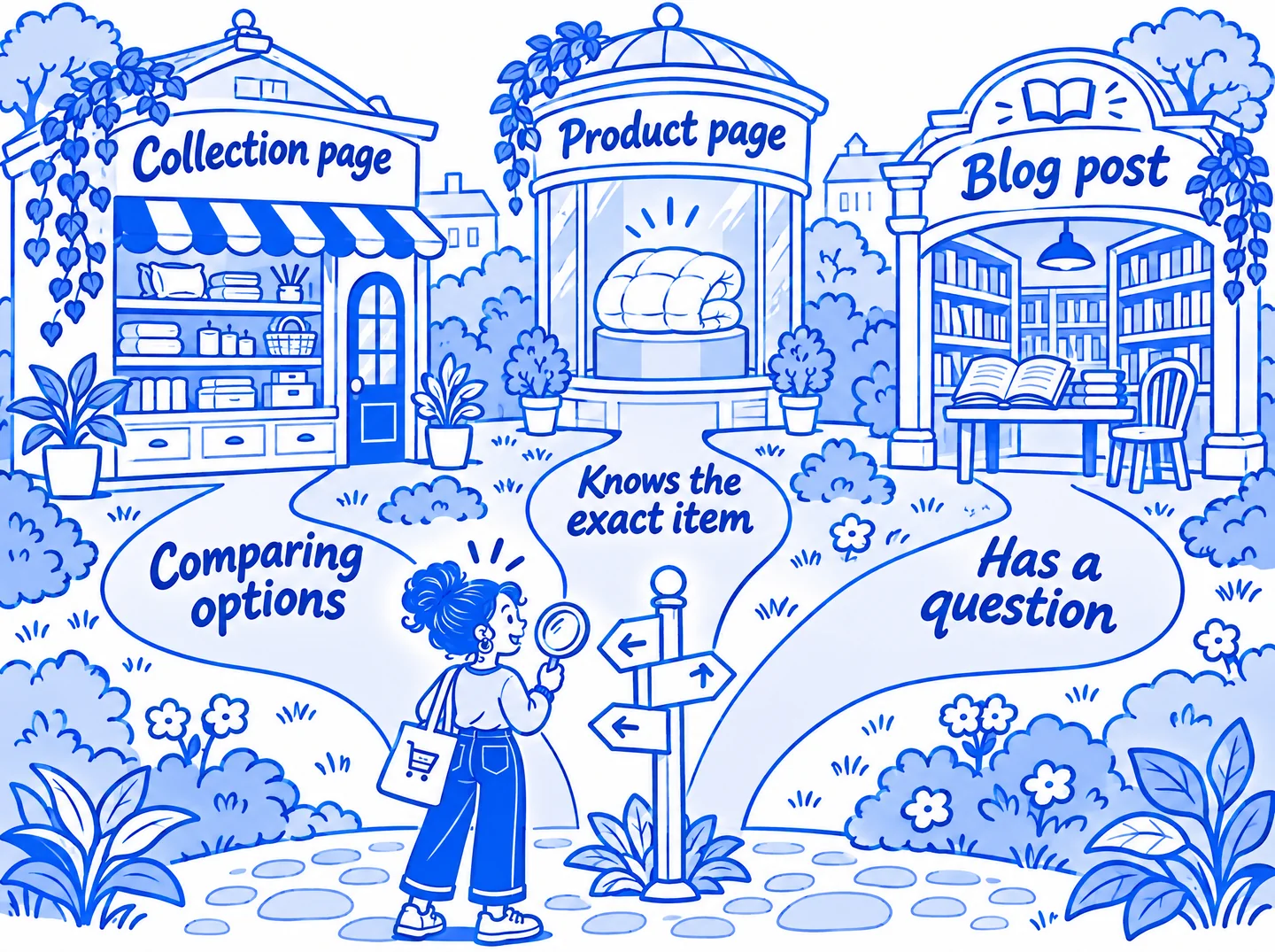
- Choose 10 to 25 keywords that can bring sales. Favor categories you can realistically serve well over the broadest term in your market.
- Match each keyword to one page. Most category searches should go to a collection.
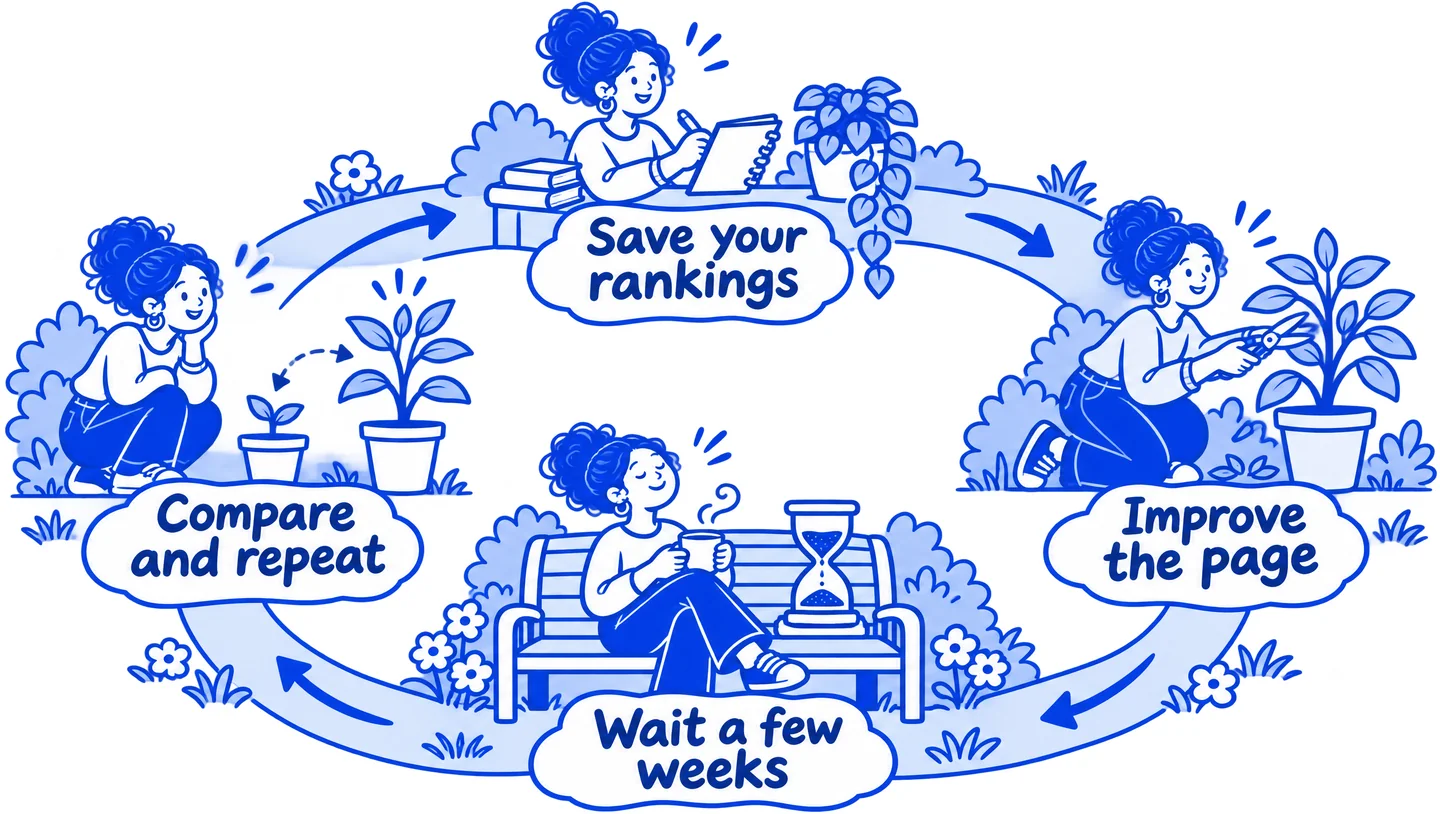
- Save your starting rankings. Do this before you change anything.
- Improve the pages closest to page one. A page at position 12 usually needs less work than one at position 70.
- Check again after a few weeks. Keep what worked and repeat it on the next group of pages.
Guides and tools.
For the wider workflow across store platforms, start with our ecommerce SEO guide.
Shopify SEO checklist
33 checks in priority order, from Search Console setup to measuring results.
Read the checklist ↗Shopify collection page SEO
Pick the right keyword, write useful copy, and handle filters and pagination.
Read the guide ↗Free on-page SEO checker
Get three practical findings for any product or collection page. No sign-up needed.
Check a page ↗Ecommerce rank tracker
Follow product and collection keywords by country and device.
See rank tracking ↗Common questions.
Is Shopify good for SEO?
Yes, for most stores. It covers the common technical basics, so results usually depend more on your keyword choices, content and links than on the platform. Its fixed URL patterns, such as /products/ and /collections/, are a limit, but rarely the main reason a store does not rank.
Do I need a Shopify SEO app?
Not to get started. The title, description, alt text and URL fields are all built in. An app or tool makes sense when it saves you time on a job you already do, such as checking many pages or tracking rankings.
How long does Shopify SEO take?
Google can take days to a few weeks just to pick up a changed page. Ranking changes depend on your competition and on how much trust your site has earned, so a new store should expect months rather than weeks for competitive searches.
Real stores to look at.
See how these stores handle a category page, then compare them with your own:
- Brooklinen duvet covers: a clear heading, a short intro and filters beside the products.
- Ruggable washable rugs: a keyword-first page title, an intro above the products and advice below them.
- Parachute duvet covers: a short page title led by the category name, with normal links to the next page.
Our collection page guide looks at these in more detail.
Captured 5 November 2026 from public pages, which may have changed since. These stores are independent of Rankplain and did not take part. They appear to run on Shopify, based on Shopify code in their page source. We cannot see their rankings or results, so these are examples of page structure, not proof of what causes rankings.
Sources
- Shopify Help Center: Adding keywords for SEO
- Shopify Help Center: Finding and submitting your sitemap
- Shopify Help Center: Editing robots.txt.liquid
Shopify and Google change their products and advice, so check their current documentation before making large changes. Following a guide does not guarantee rankings. Last reviewed 4 November 2026.